
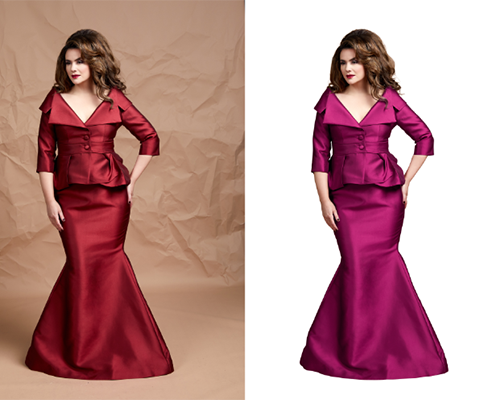
Color Correction
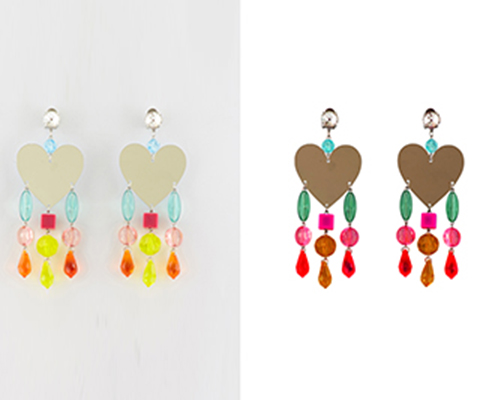
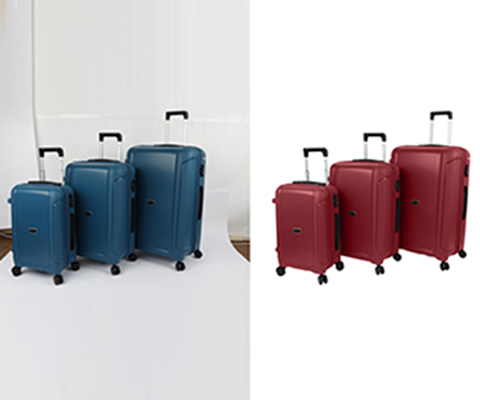
Images are made up of pixels. Millions of tiny dots come together to form a large image. These pixels, which are so valuable because they create the image you see, each contain a color. Essentially, every pixel represents a specific color. Every image you have is a collection of colors arranged in a pattern that forms a picture. When these colors are adjusted or corrected, the visual impact on a viewer can change dramatically.
As the name suggests, post-production refers to improving images after they have been captured. Commonly used in the video industry, post-production helps enhance photos so they look better than their original quality.
Color Path is a technique used to select specific parts of an image based on color. It is an ideal method when the desired selection has a consistent or similar color. For example, an orange couch on a white background can be easily selected using the Color Path technique. Our team of experts is well-equipped to handle various image selection tasks. Among different selection methods, Color Path is one of the techniques they choose to apply whenever it is necessary.
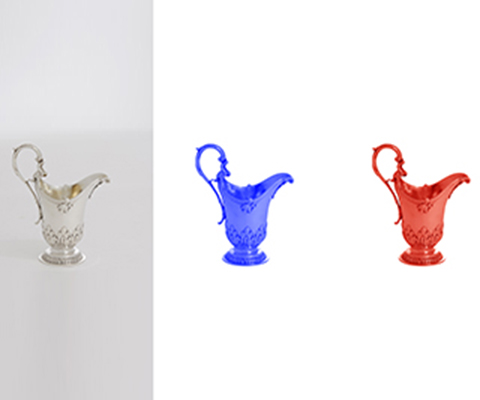
Multi Color Path is a more advanced version of the Color Path technique. Using this method, it is possible to make the necessary selections in an image even when it contains multiple dominant color tones. This technique is highly effective because images are often not made up of a single color.
Frequently Asked Questions
Why is Color Correction important for e-Commerce business?
Image color correction means making various adjustments to the colors of a photo so that it looks better and more realistic. It is used to fix color imbalances, improve contrast, and bring the image closer to what the human eye naturally sees.
What is the difference between color correction and color grading?
Color correction balances the colors to make them accurate and true, such as ensuring the sky looks blue and the image appears natural or warm. Color grading, on the other hand, focuses more on the overall mood and visual impression rather than accuracy. It is often used to creatively enhance the image by adjusting tones, adding a color cast, or applying stylistic colors to create a specific emotional impact.
What kind of file formats are used for color correction?
To correct colors in Photoshop, the file formats used must preserve the best image quality and allow for more changes. So, file formats like PSD, RAW, PNG, JPEG, TIFF, etc. are used for color correction.
What’s the least number of images you need, for us to take your order?
We aim to make our clients happy. No matter how many images you have, we are ready to take your order.
How much does professional color correction cost?
The charge will depend on the complexity of the work and the number of images you want to edit. Generally, the cost starts from 0.49 USD, but if the quantity is large, the price can be negotiated.